Features
Everything between the table and the kitchen
Guest ordering
A menu that's quick to order from
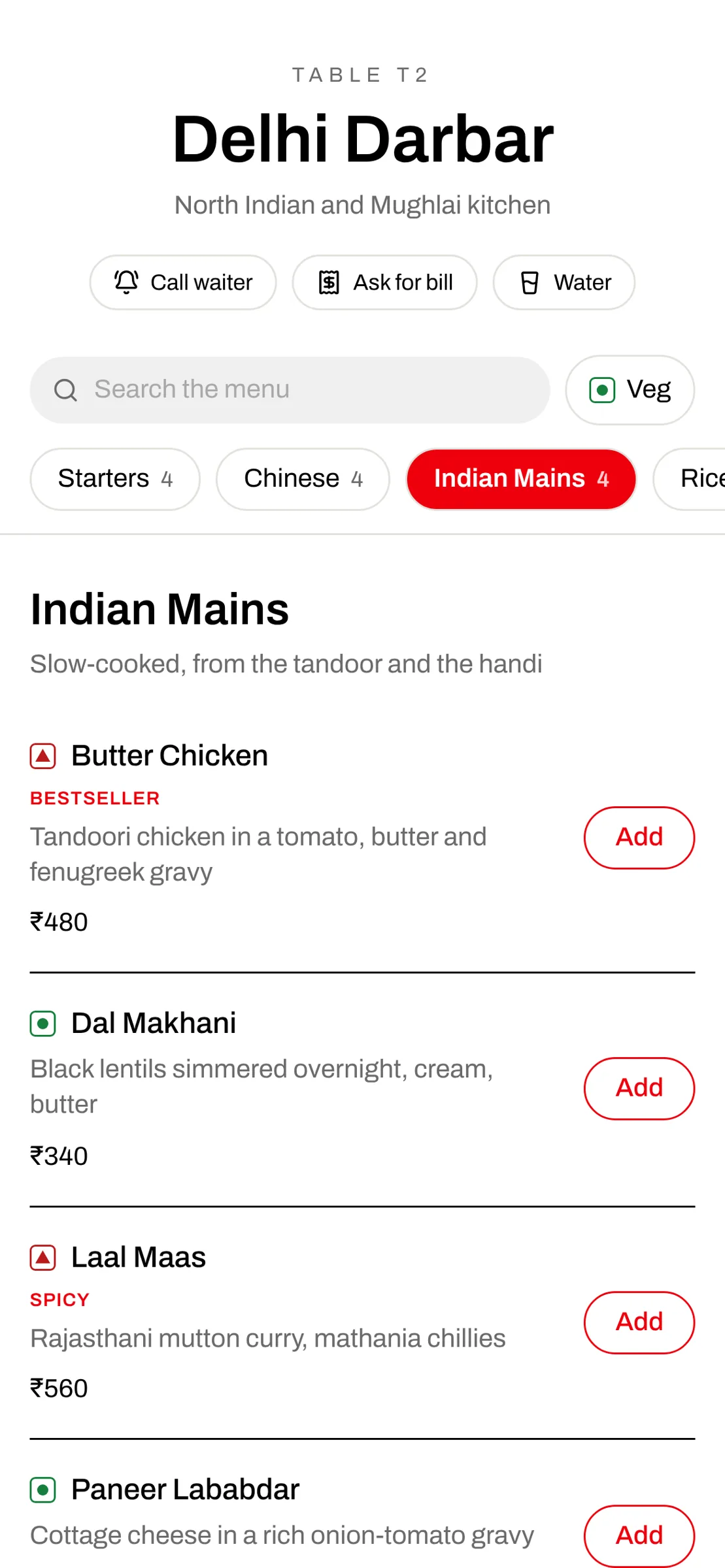
Guests scan the QR on their table. The menu opens by category, so they tap Starters, Chinese or Breads instead of scrolling one long list.
- Category tabs with item counts and a Next button
- Search across the whole menu, veg-only filter
- Veg and non-veg marks, tags like Bestseller and Spicy
- Sold-out dishes greyed out and blocked
- Call waiter, ask for the bill or water
- A status page that updates by itself: sent, preparing, ready, served
Payments
Pay as you order
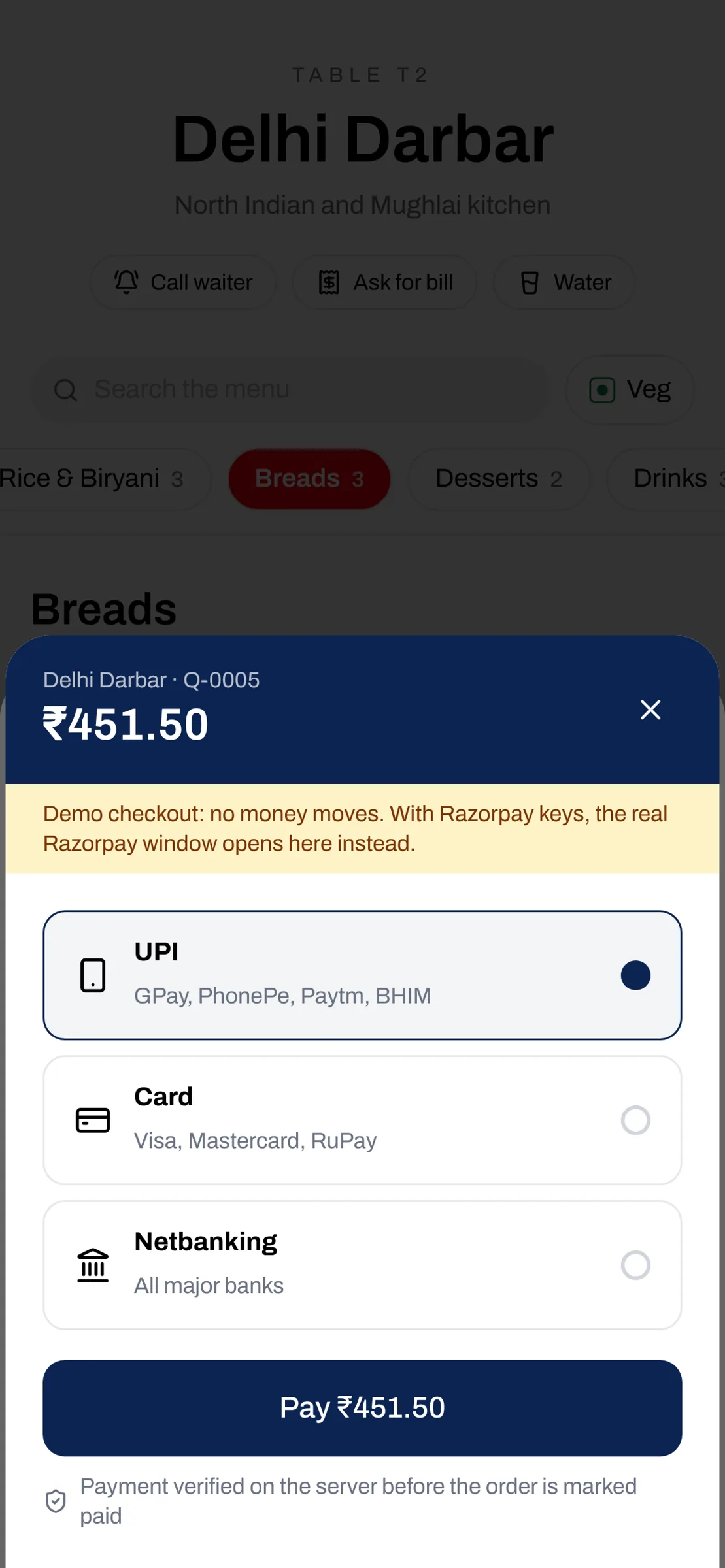
Guests can pay by UPI, card or netbanking the moment they order, or pay at the table later. You choose: pay later only, either, or pay first.
- Razorpay Checkout, money straight to your Razorpay account
- Every payment verified on the server before it shows as paid
- Staff record cash, UPI or card at the table
- Settle a whole table's bill in one go
- Paid orders cannot be edited without a refund
Live floor
Every order and every table, live
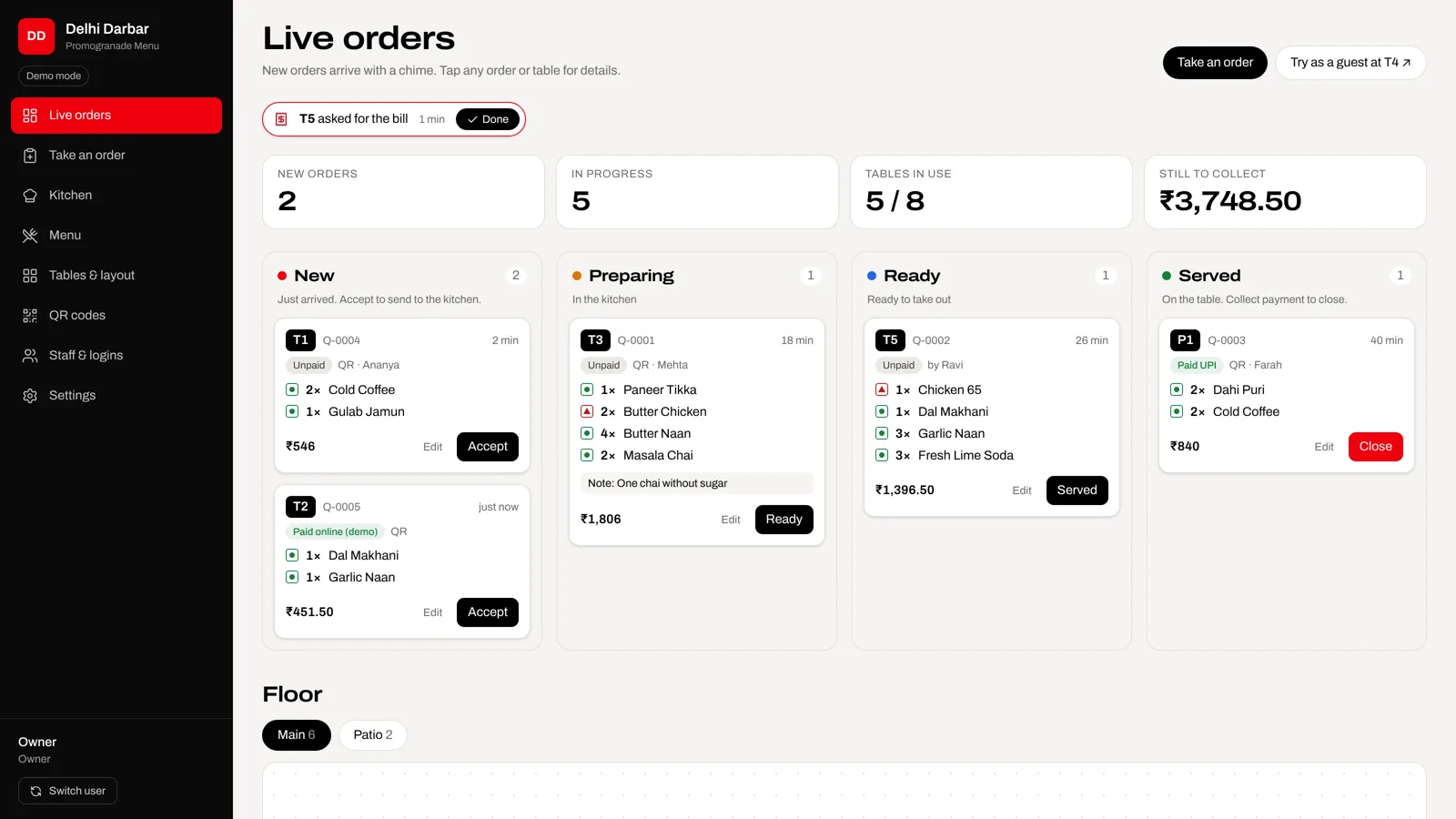
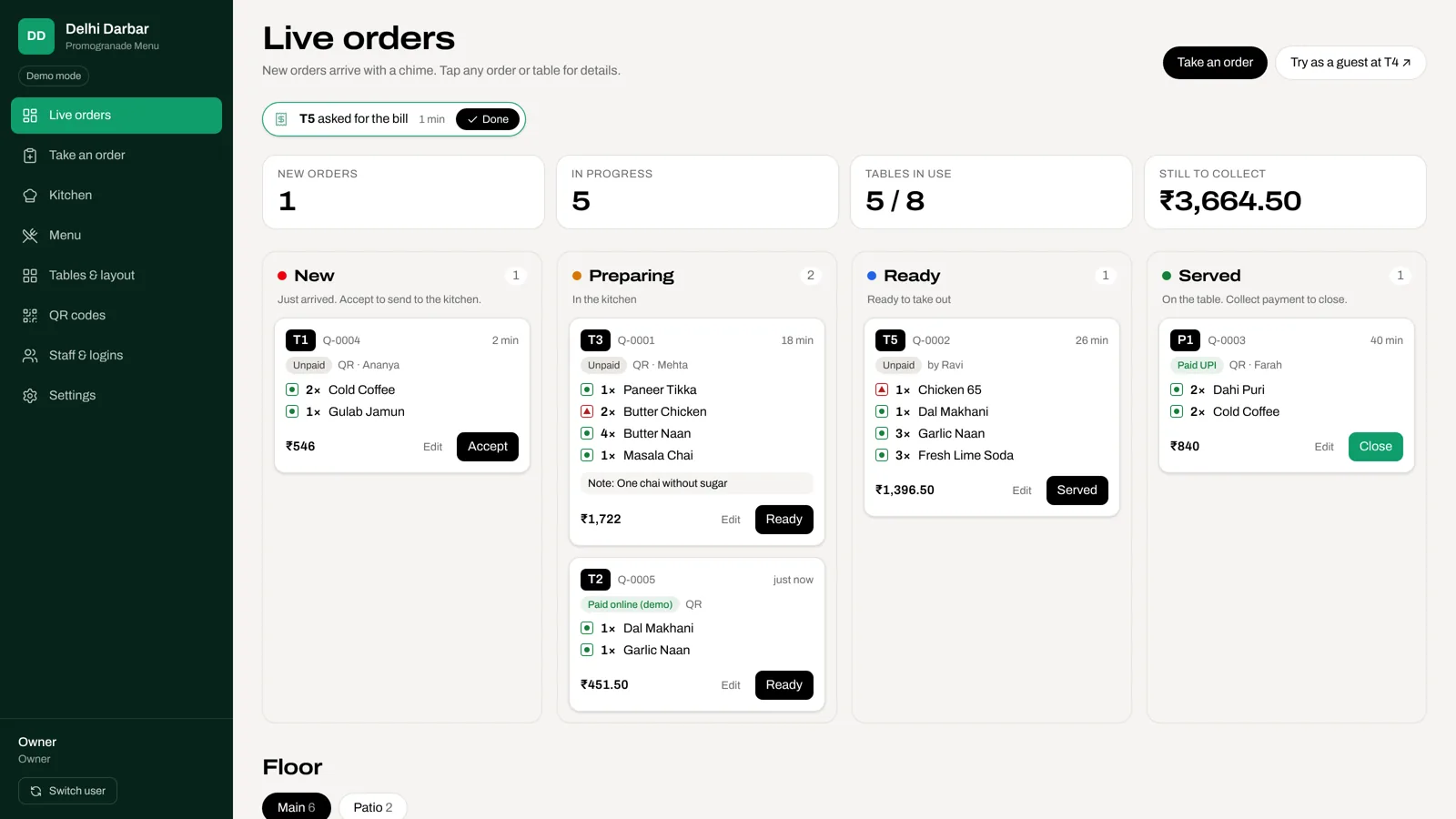
New orders arrive with a chime, tagged with the table, the dishes and the kitchen notes. Staff accept, mark ready, serve and close.
- Board by stage: new, preparing, ready, served
- Floor plan coloured by what each table is doing
- Tap a table for all its orders and one combined bill
- Guest requests blink on the table that asked
- Still-to-collect total for the shift
Waiter mode
For guests who don't scan
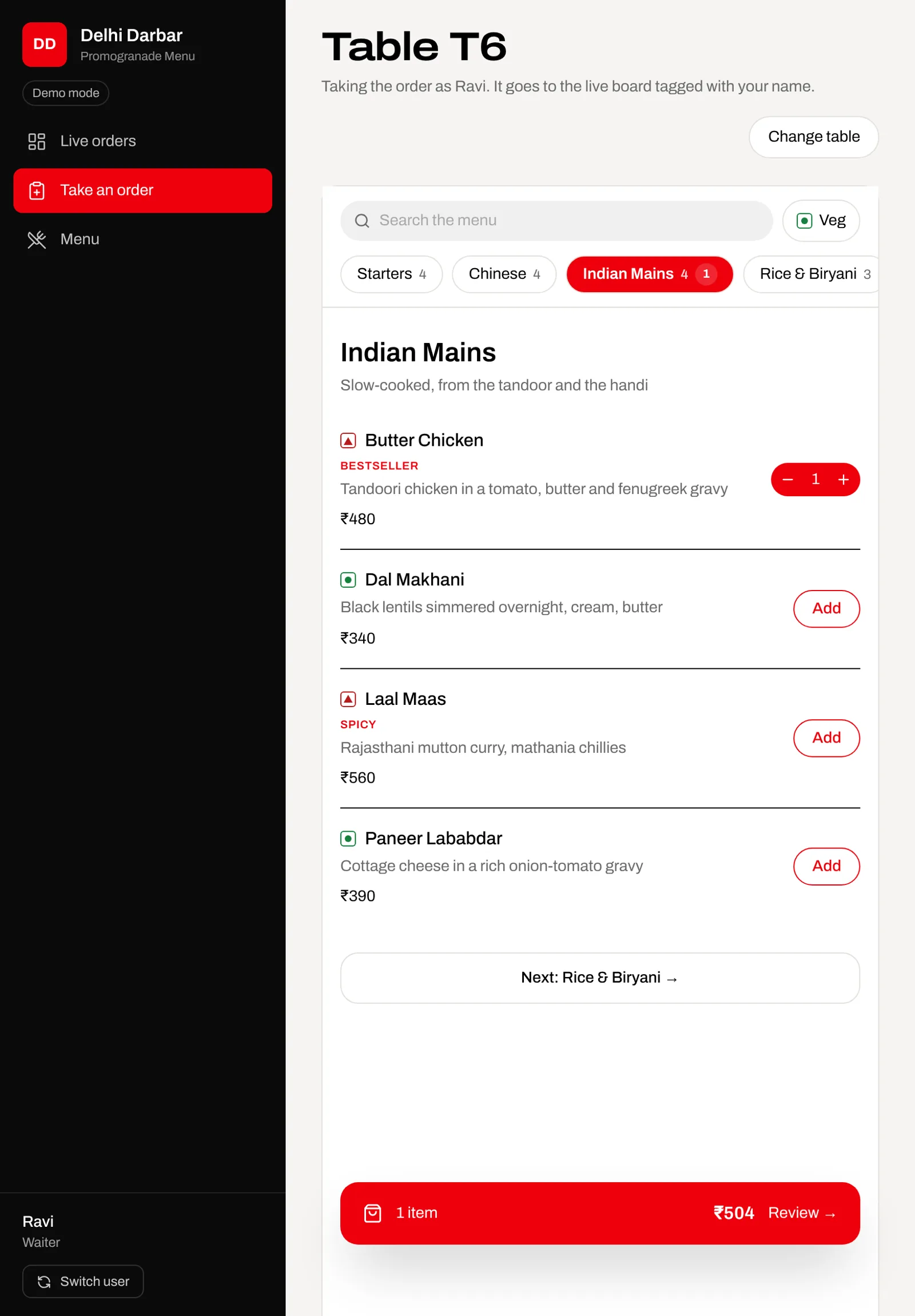
Not everyone has a phone, a charged battery or the patience. A waiter picks the table, adds the dishes from the same category tabs and sends it.
- Works on a waiter's phone or a shared tablet
- Orders tagged with the waiter's name
- Same menu, same rules, same live board
Control
Only managers can change a bill
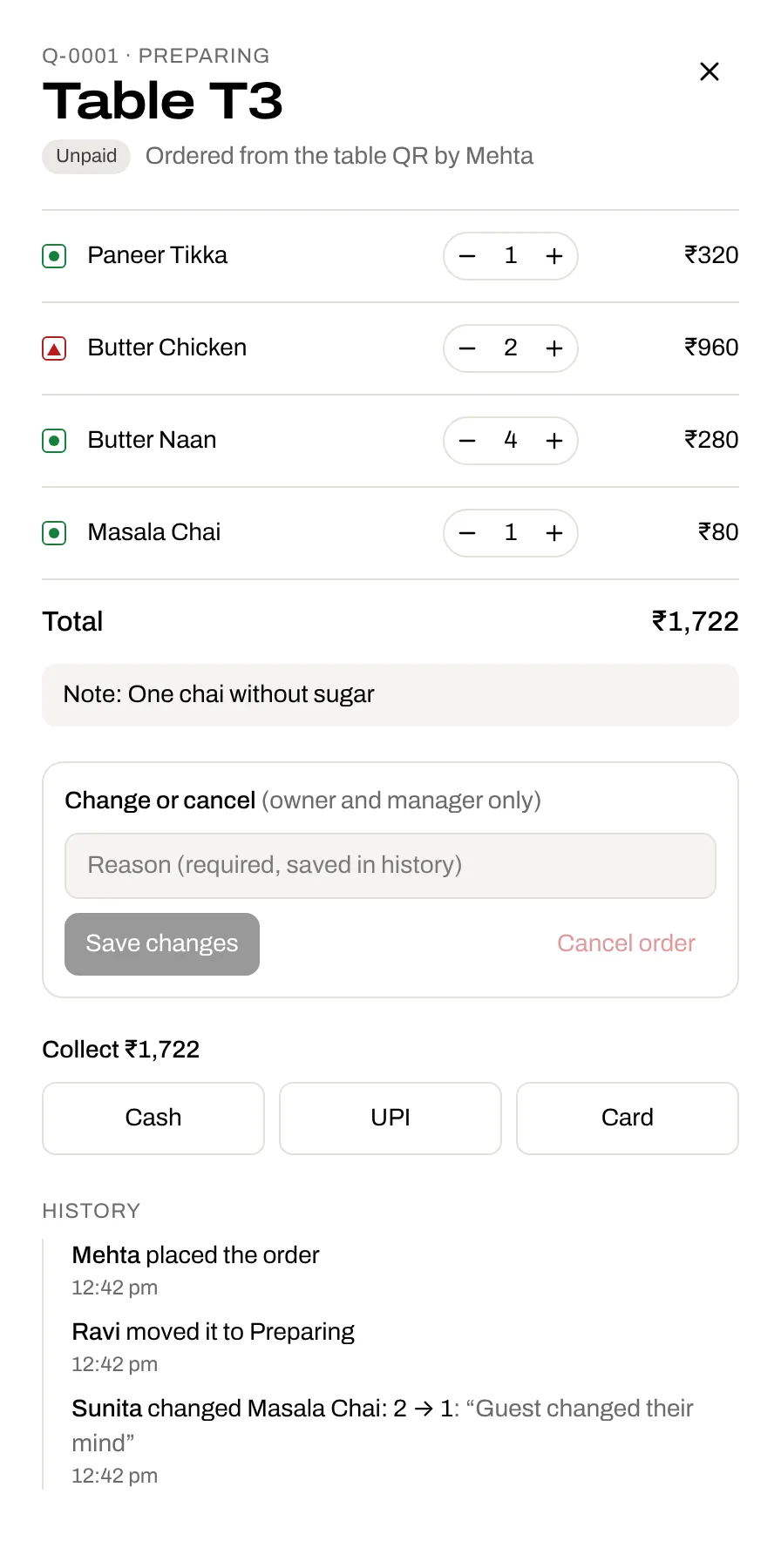
Waiters cannot cancel or edit an order once it is sent. A manager or the owner can, but only with a reason, and the order keeps its full history.
- Roles: owner, manager, waiter, kitchen
- PIN sign-in, Switch user on shared devices
- Reason required for every edit and cancellation
- History: who placed, moved, changed and collected
- Switch someone's login off and it stops at once
Kitchen
A screen made for the kitchen
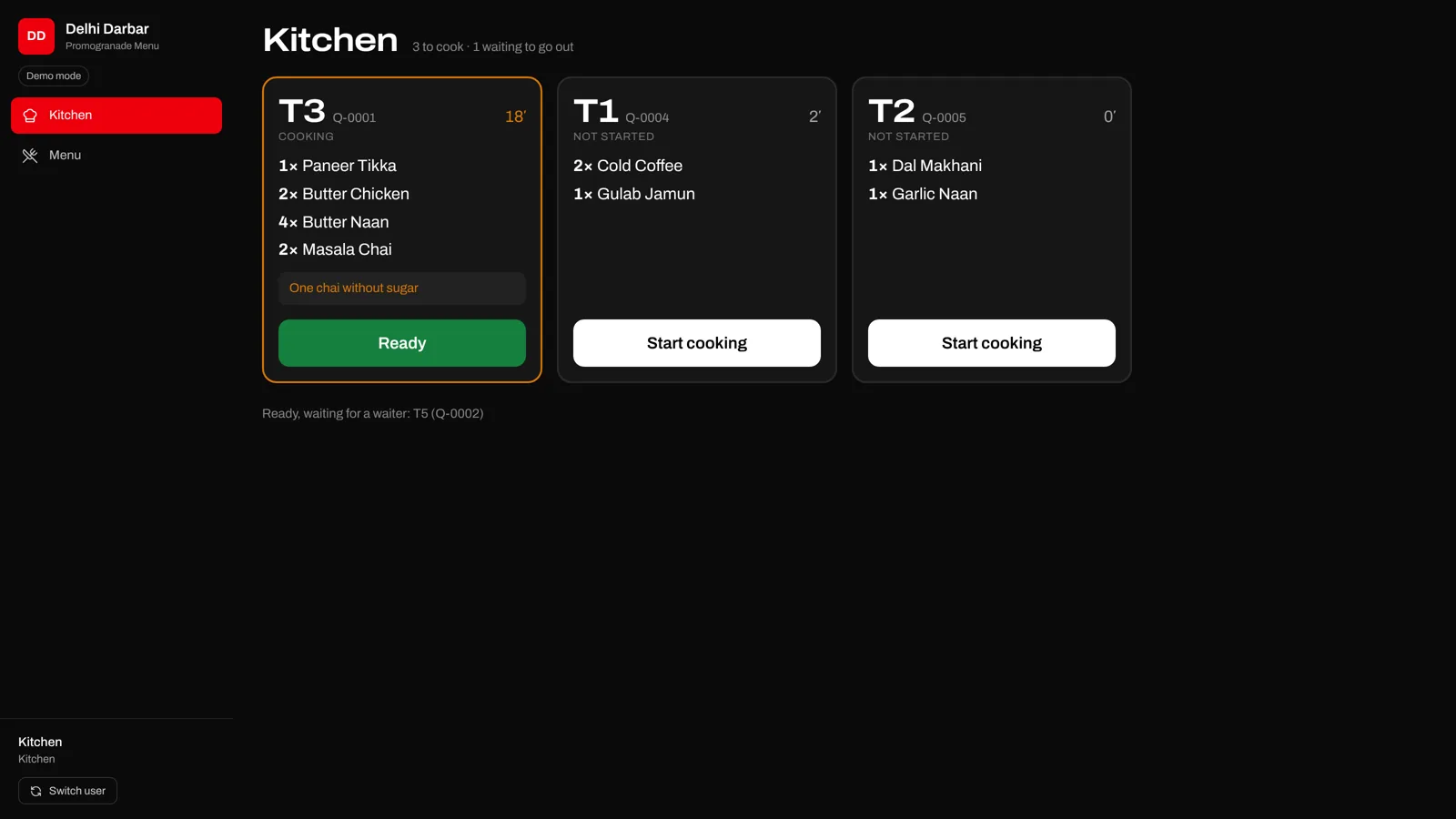
Big tickets, the table number, each dish and note, and a timer that turns amber at 15 minutes and red at 25.
- Start cooking and Ready in one tap
- New tickets arrive with a chime
- KOT prints on your 58 mm or 80 mm thermal printer, automatically when an order is accepted
- Reprints are marked REPRINT and logged on the order
- Kitchen staff see nothing about money
Floor and QR
Your room, your layout
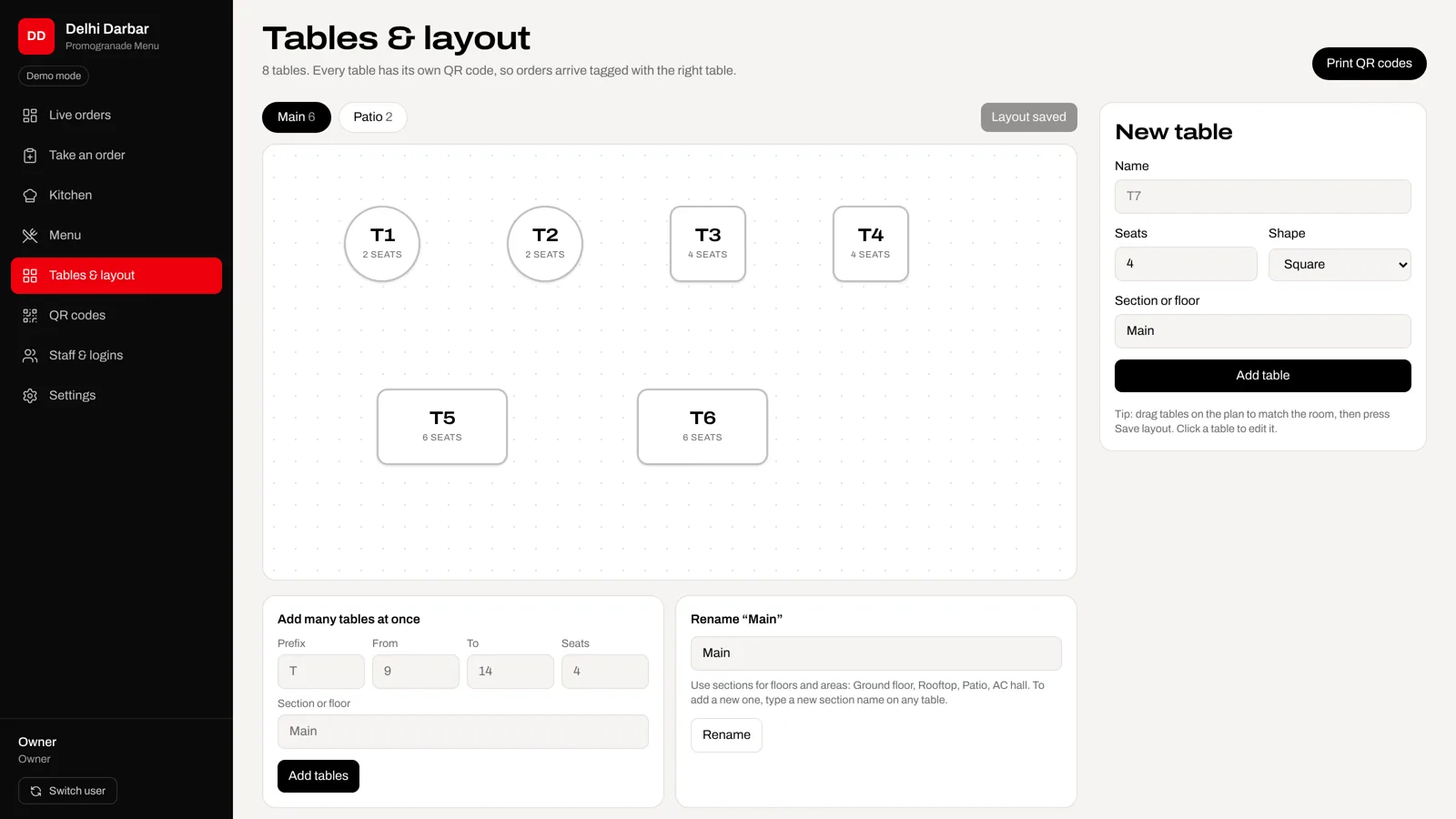
Add as many floors as you have, split each into sections, put your real floor plan behind the tables and drag them into place.
- Any number of floors, each with its own sections: AC hall, Family, Bar, Rooftop
- Upload a picture of your floor plan and place tables on it
- Bulk-add tables T1 to T20 into a floor and section
- Printable QR card for every table, labelled with floor and section
- Pause a table's QR, or replace a leaked one
Brand
Looks like your restaurant
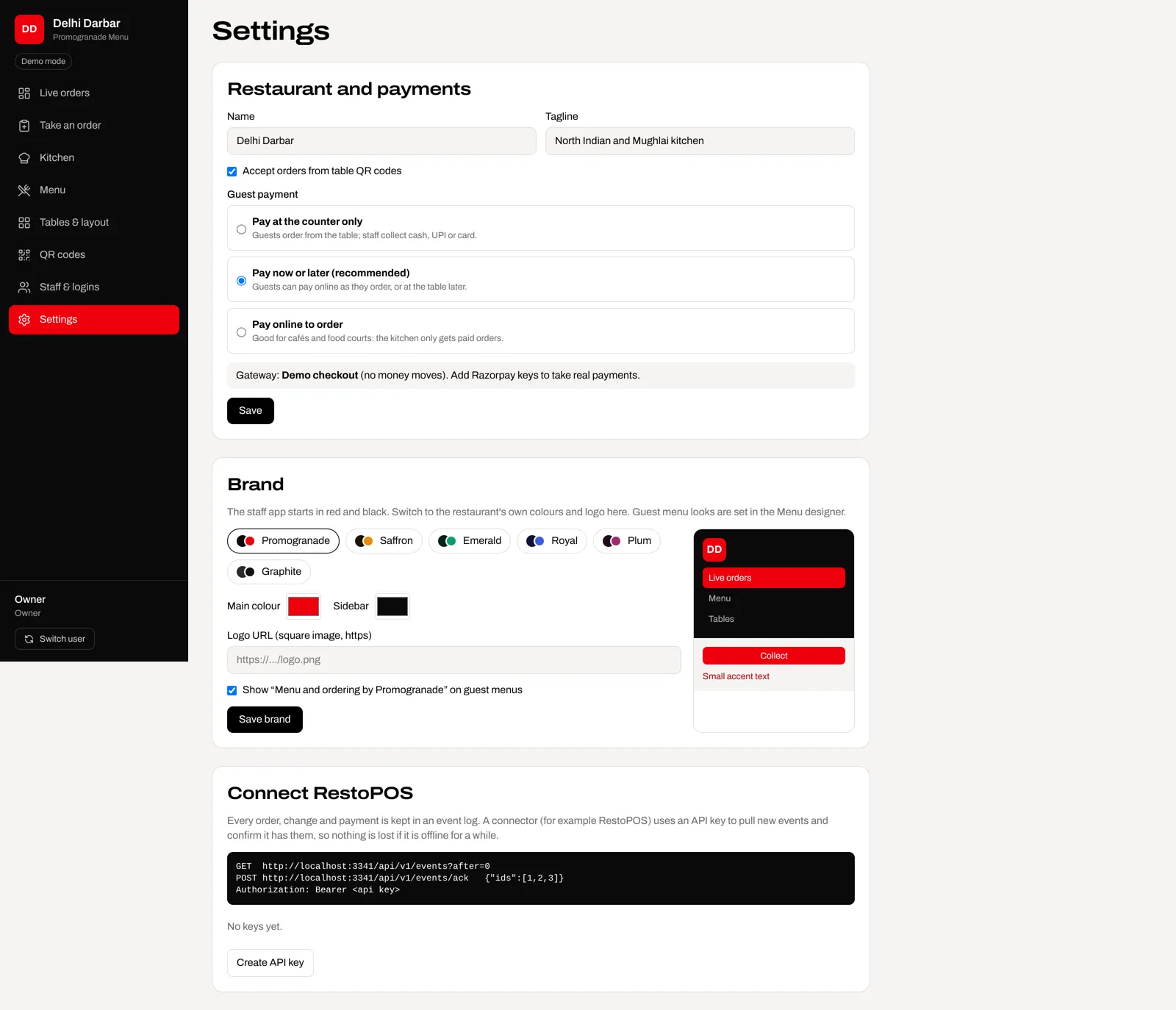
Guest menus come in six looks with your accent colour, and the whole staff app can take your colours and logo.
- Six guest menu looks, three type styles
- White-label staff app with readable colours, automatically
- Live phone preview while you edit the menu
Connect
Works with RestoPOS
Every order, change and payment is kept in an event log, ready for RestoPOS (our back-office software) or another system to pull through a secure API, so nothing is lost if it goes offline.
- API keys you can create and revoke
- Orders, edits, status and payment events
- Matching names with RestoPOS for a clean link