
QR ordering for restaurants, cafés and bars
Scan. Order. Pay.
Served.
One QR code per table takes the order, takes the payment and puts every table on one live screen for your team.
How it works
From the table to the kitchen in four steps
01
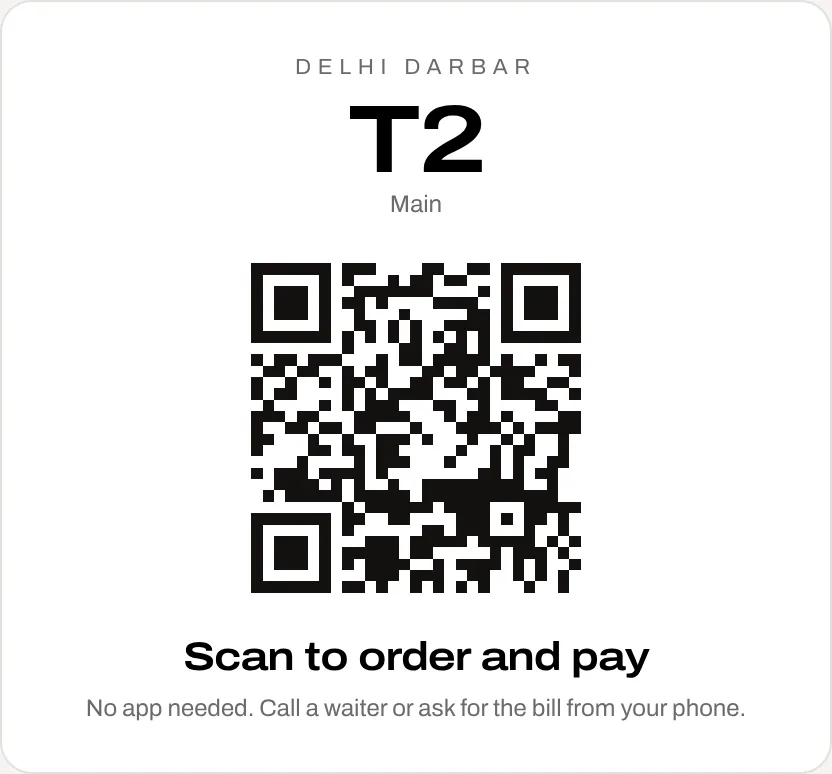
Guests scan the table's QR
No app. The menu opens on their phone, already knowing their table.
02
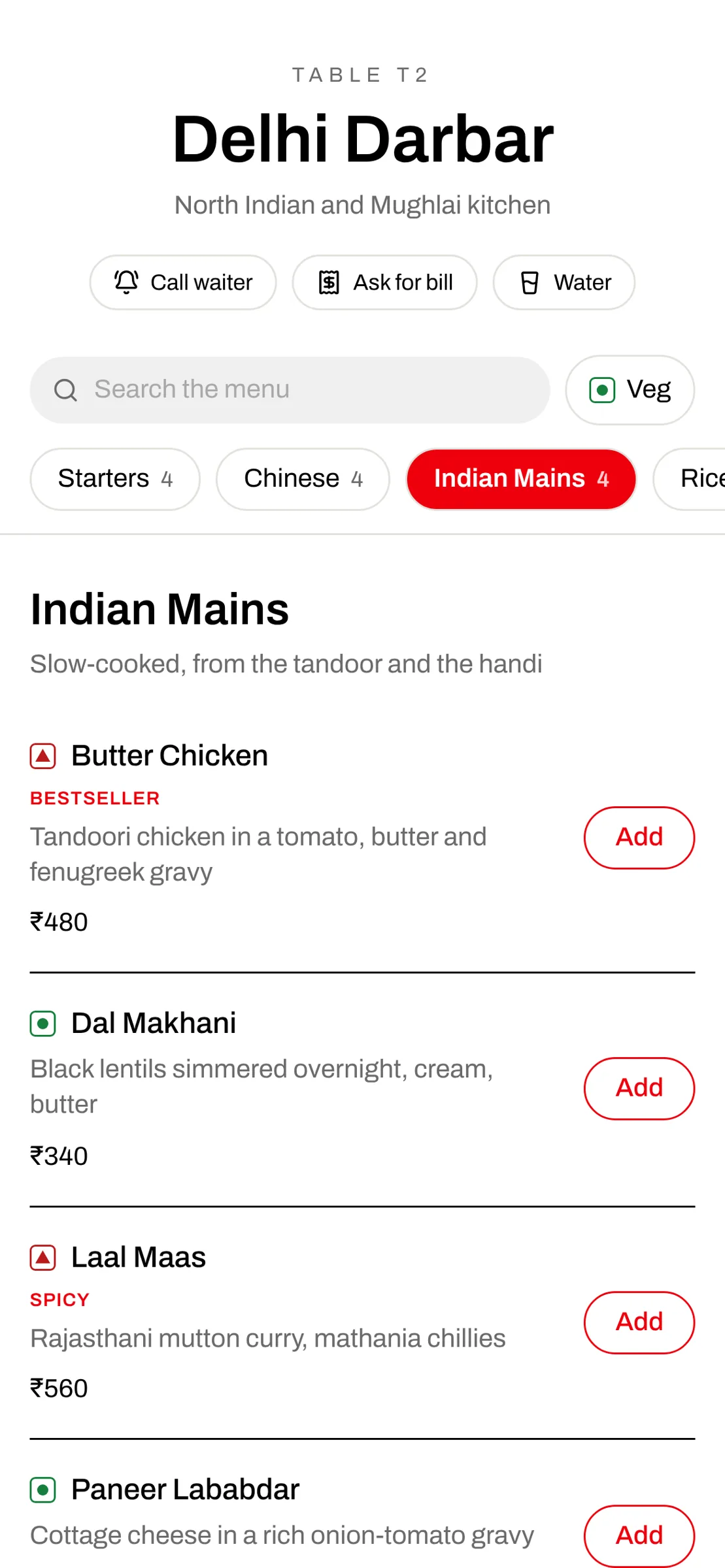
They order by category
Tabs for Starters, Chinese, Mains, Breads and more. Veg filter and search too.
03
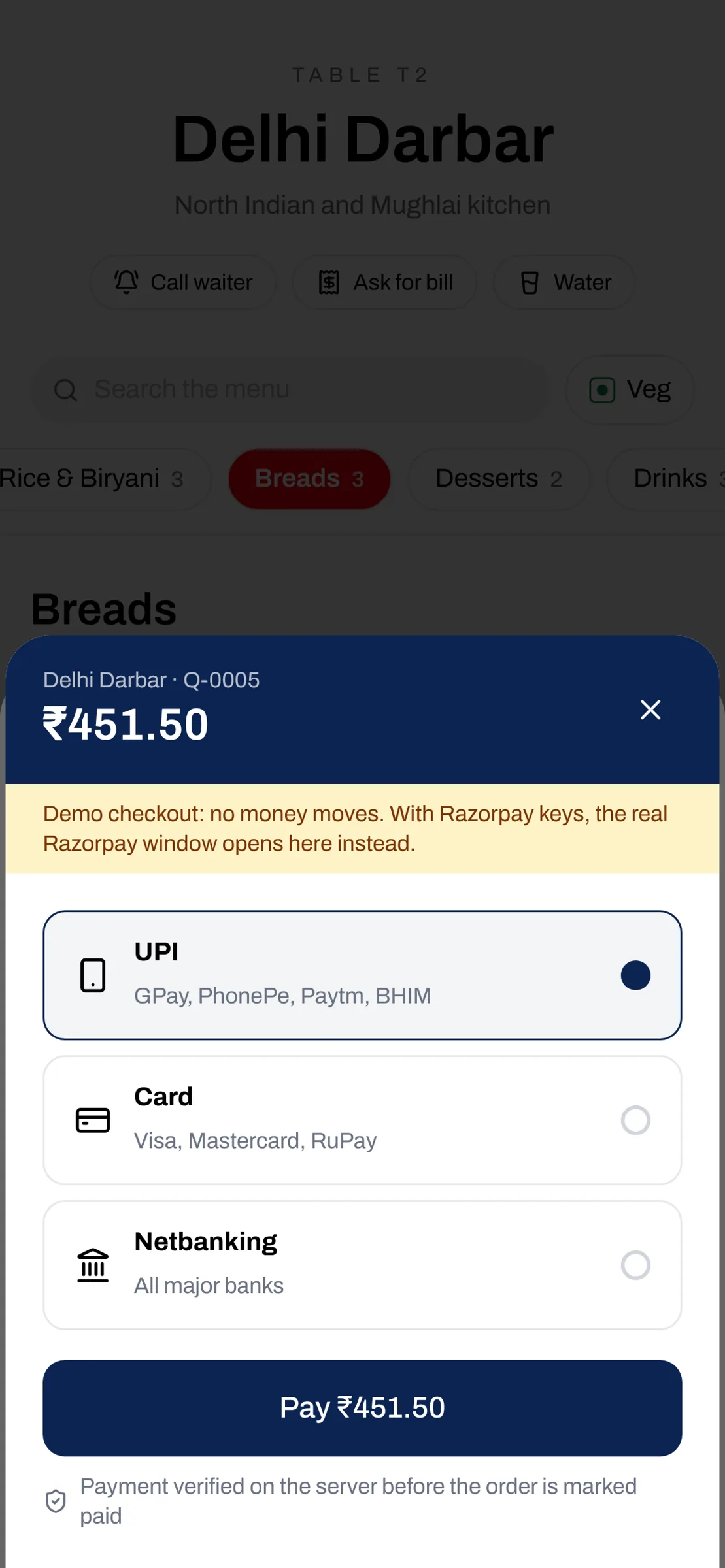
And pay as they order
UPI or card through Razorpay, or pay at the table later. Verified before it shows as paid.
04
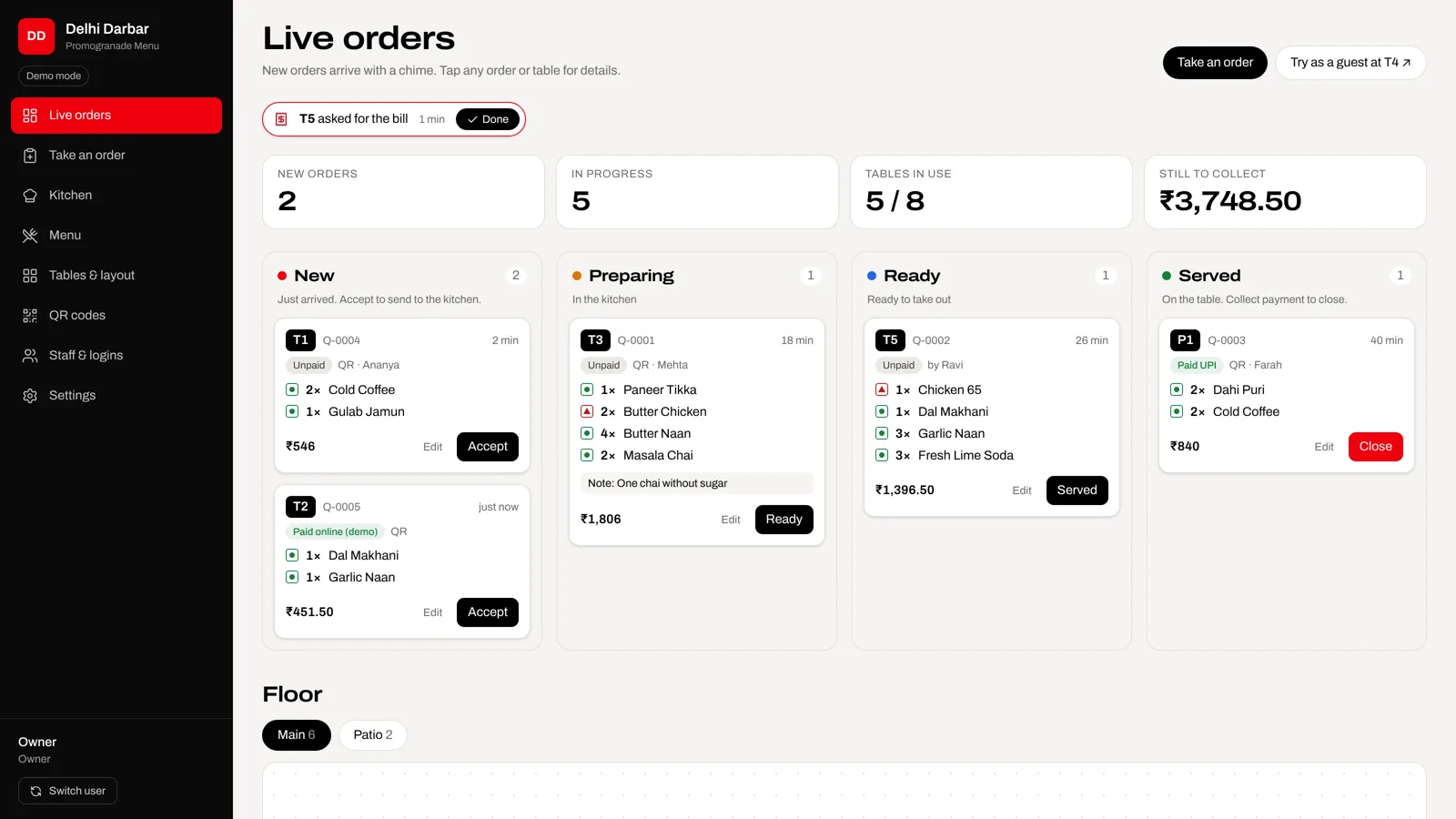
Your team sees it live
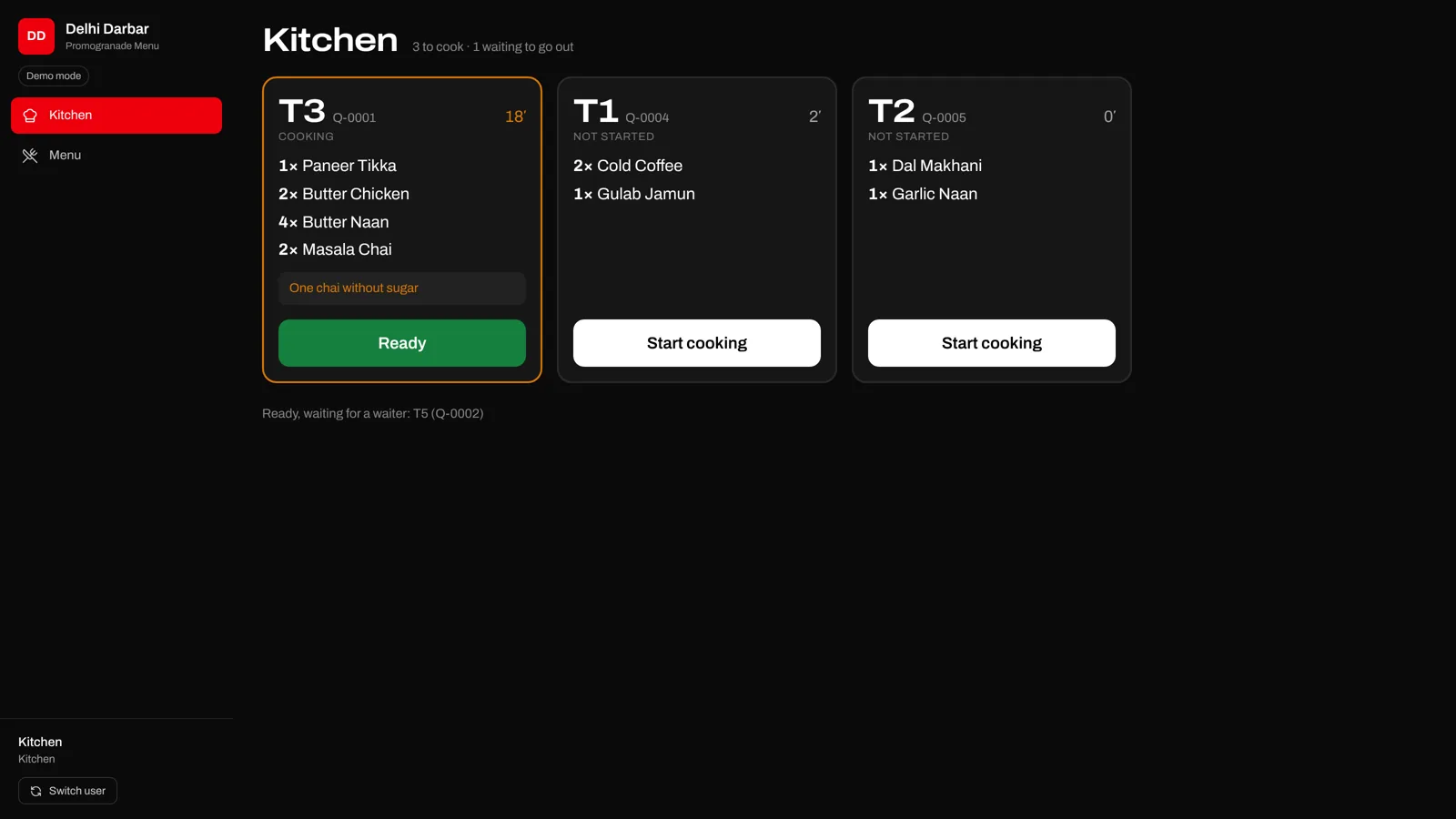
A chime, the table number, every dish and note. Accept, cook, serve, close.
Built for real service
The problems on your floor, handled
A guest has no phone
Waiters take the order on their phone or the shared tablet, tagged with their name.
A bill is changed after the fact
Only managers can edit or cancel, with a reason. Every change is in the order's history.
Guests can't catch a waiter
Call waiter, ask for the bill or water from the menu; it blinks on your floor plan.
One table orders four rounds
Tap the table: every order, one combined bill, settled in one go.
A QR photo gets shared online
Orders wait for staff to accept, and any table's QR can be paused or replaced.
The bill takes forever at the end
Guests pay as they order, so tables turn faster.
Everyone signs in
Each role sees its own screen
Owner
Everything: menu, tables, staff, payments, brand and the order history.
Manager
Runs the floor. The only role, with the owner, that can change or cancel an order.
Waiter
Takes orders for tables, moves them along and collects payment. Cannot change a bill.
Kitchen
A large-ticket kitchen screen with timers, and the sold-out switch. Nothing else.
Staff sign in with a PIN on any phone or a shared tablet. “Switch user” hands it over in seconds.
Pricing
Simple monthly plans
Questions
Do guests need to install an app?+
No. They scan the QR on the table and the menu opens in their phone's browser.
What if a guest doesn't want to scan?+
Your waiter takes the order in waiter mode. It lands on the same live board, tagged with the waiter's name.
Can a waiter cancel or change an order?+
No. Only the owner or a manager can, and they must give a reason, which is saved in the order's history.
How do online payments work?+
Through Razorpay: UPI, cards and netbanking. The money goes to your Razorpay account, and we only mark an order paid after verifying the payment.
Can it print KOTs for the kitchen?+
Yes. Each order prints as a KOT on a 58 mm or 80 mm thermal printer, automatically when it is accepted. Reprints are marked and logged, so extra tickets are visible.
Does it work with RestoPOS?+
Yes, on the Business plan: orders, changes and payments are available to RestoPOS through a secure order API.
Can it match our brand?+
Guest menus have six looks with your accent colour. On Business, the staff app takes your colours and logo too.